

Here’s a pattern we see constantly. A site looks fine. It loads fast enough, the design is clean, the content reads well. And yet the rankings just sit there, flat, month after month, like a car that turns over but won’t start.
Nine times out of ten, the problem isn’t the content. It’s something underneath it — a robots rule nobody remembered writing, a pile of duplicate URLs eating the crawl budget, a canonical tag quietly pointing the wrong way. The stuff you can’t see from the front end is usually the stuff holding you back.
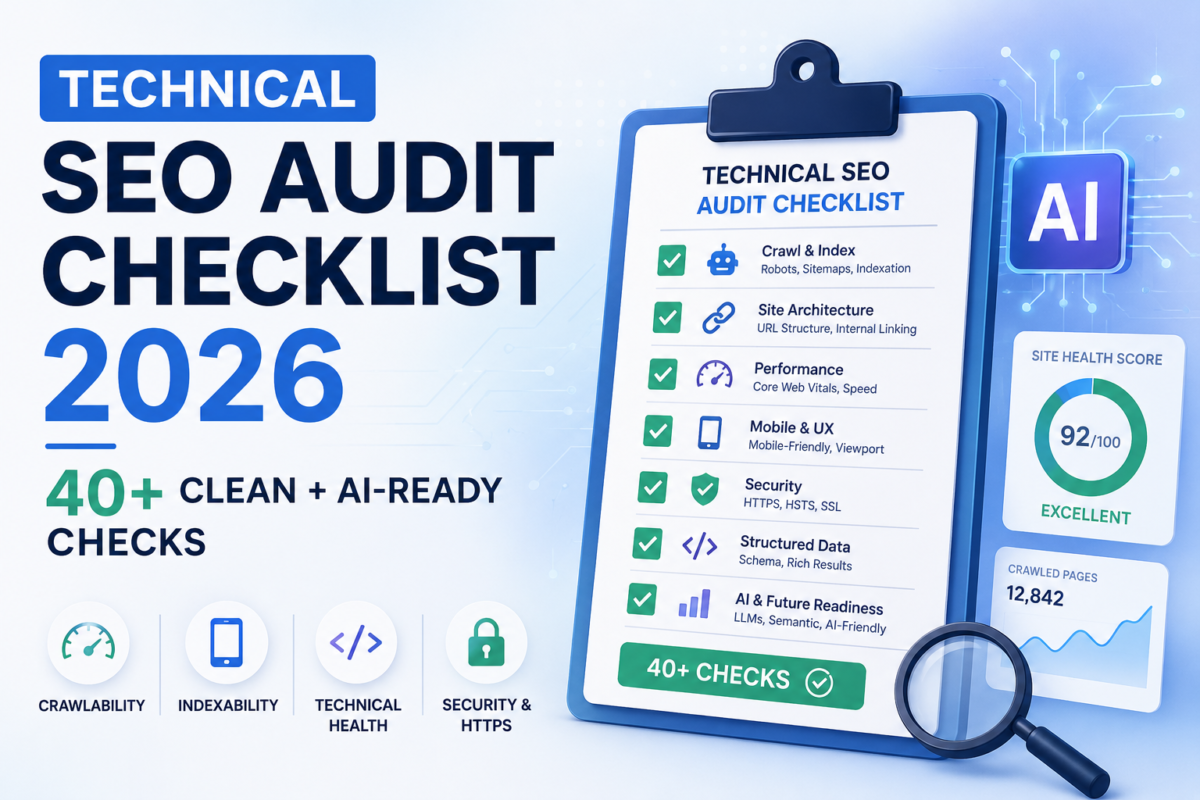
This is the technical SEO audit checklist we actually use at Software System when a client’s site isn’t performing. It’s not a theory dump. Work through it top to bottom, or jump to whichever section is keeping you up at night. And because it’s 2026, we’ve folded in the part most checklists still pretend doesn’t exist: getting your site ready for AI search, not just Google’s blue links.
Why most audits fall short now
Most technical audits run the same playbook they did in 2020. Crawlability, indexing, site speed, Core Web Vitals, maybe a glance at redirect chains. Tick the boxes, export the PDF, hand it to the dev team, wait six months for half of it to get done.
That playbook still matters. But it’s only half the job now. There are two bars to clear in 2026, not one:
- Clean — no crawl errors, fast loads, correct technical markup. The classic stuff.
- Legible — the machines reading your pages (Google, but also ChatGPT, Claude, Perplexity and the rest) can actually understand what a page is, who wrote it, and whether it’s safe to cite.
A site can be spotless and still be illegible to an AI system. Schema markup is the bridge between the two, which is exactly why we’ve stopped treating it as a final-polish afterthought and moved it up the priority list. More on that below.
Crawlability and indexing
Start here, always. You can have the best content on the internet, but if Googlebot is stuck spinning through filter URLs and never reaches it, none of it counts. This is the foundation, so we never skip ahead.
- Read your robots.txt line by line. We’ve found live sites blocking their entire blog for months without anyone noticing. Test it in Search Console’s robots.txt tester.
- Make a deliberate call on AI crawlers. GPTBot, ClaudeBot and PerplexityBot each have their own user-agent. Blocking the training bots while letting the retrieval bots through is a real strategic decision now, not paranoia. If your robots.txt hasn’t changed since 2023, it predates this entire question.
- Confirm your XML sitemap exists, is referenced in robots.txt, and only contains indexable, canonical URLs. No 404s, no redirects, no noindexed pages. Broken sitemaps turn up more often than you’d think.
- Hunt for stray noindex tags on pages that should rank. Check both the meta robots tag and the X-Robots-Tag header. Staging-to-production migrations are the usual culprit — a noindex meant for staging rides along to the live site.
- Review canonical tags. Every indexable page wants a self-referencing canonical, and your canonicals, sitemap and internal links should all tell the same story. When they disagree, Google gets confused, and confused Google ranks you lower.
- Pull a site:yourdomain.com count and compare it to your real page count. A big gap means an indexing problem. Then dig into Search Console’s Pages report — “Crawled, currently not indexed” usually means Google looked and decided the page wasn’t worth keeping.
- Look for soft 404s and orphan pages. Out-of-stock product pages that return a 200 with empty content are classic soft 404s, and a page that nothing links to is a page even you don’t really believe in.
2. Rendering and JavaScript
This is the section that quietly invalidates everything else if you skip it. If your site leans on client-side JavaScript to show its content, that content can be slow to index for Google and effectively invisible to AI bots, which are far worse at rendering JS. We’ve watched product descriptions vanish from Google’s view simply because they loaded a half-second after the page did. If you’re building or rebuilding, this is worth getting right from the start — it’s a core part of how we approach web application development.
- Compare raw HTML against rendered HTML using the URL Inspection tool. If your headings, body copy and internal links only appear after JavaScript runs, that’s a problem.
- Mind the December 2025 rendering update: pages returning non-200 status codes can be dropped from the rendering pipeline entirely. If you use JavaScript to populate error pages, Googlebot may never see any of it.
- For key landing pages, lean toward server-side rendering or static generation. It’s the cleanest way to make sure the widest range of crawlers — AI included — can actually read you.
3.Site architecture and internal linking
We used to file architecture under UX. Then we restructured one client’s blog into proper topic clusters and watched rankings lift across the whole section without touching a single word of the content. The way your pages link to each other tells the machines what your site is about and which pages matter most. It’s one of the strongest signals you have, and it’s free.
- Map your click depth. Important pages should be within three clicks of the homepage. Anything buried deeper gets crawled less and ranks worse.
- Fix broken internal links and collapse redirect chains. Every internal link pointing through two or three hops leaks a little equity at each one. Point them straight at the final URL.
- Write internal anchor text that means something. If every link to your pricing page says “click here,” you’re throwing away a signal you’re allowed to send.
- Connect pillar pages to their supporting articles. Clusters don’t just build topical authority for Google — they help AI systems understand how your pages relate, which feeds into whether you get cited.
- Add BreadcrumbList markup and keep mega-menus in check. A page firing 300 internal links dilutes every one of them.
4. Page speed and Core Web Vitals
Honest take: speed matters a little less as a direct ranking factor than the industry likes to claim, and a lot more for conversions than most business owners realise. A page that takes five seconds loses roughly half its visitors before they see a thing. Either way, failing Core Web Vitals is a handicap, and a surprising number of sites still do.
The three metrics worth your time:
| Metric | Target | Usual culprit |
| LCP (Largest Contentful Paint) | under 2.5s | Oversized hero images, slow server response, render-blocking resources |
| INP (Interaction to Next Paint) | under 200ms | Heavy JavaScript on forms, filters, accordions (INP replaced FID in 2024) |
| CLS (Cumulative Layout Shift) | under 0.1 | Images with no dimensions, late-loading ads, fonts swapping after load |
- Run PageSpeed Insights on your five most important page templates, and read the recommendations, not just the score.
- Optimise images sitewide — modern formats (WebP/AVIF), correct dimensions, sensible lazy-loading. This single task speeds up more sites than anything else we do.
- Check caching headers and your CDN, and defer or inline render-blocking CSS and JavaScript. We’ve seen sites re-downloading the same uncached CSS on every page load.
- Trust field data (Search Console, CrUX) over lab data. Lab tools diagnose; field data is how real users actually experience the site.
HTTPS, security and status codes

Not glamorous, but it trips up more sites than you’d expect. We once spent two weeks chasing a traffic drop before realising an SSL certificate had expired on the subdomain serving a client’s product images — Chrome had been throwing security warnings the whole time and nobody noticed. Security is its own discipline, and if it’s not your strong suit it’s worth getting a second set of eyes on it.
- Confirm your SSL certificate is valid, not about to expire, and covers every subdomain. Watch for certificate-chain issues that break on mobile while looking fine on desktop.
- Make sure every HTTP URL 301s to HTTPS, and crawl from http:// to catch mixed-content warnings and pages that don’t redirect.
- Audit status codes: important pages return 200, retired pages 301 to their real replacements, and nothing that matters returns a 404 or 5xx. Keep an eye out for 5xx errors that only show up under load.
- Check your redirect map. Blanket redirects to the homepage throw away the equity those old URLs earned — send them somewhere relevant instead, and kill any loops or chains.
If you run a small business and security feels like a black box, our rundown of cybersecurity tips for small business is a friendlier place to start.
6. On-page technical elements
These overlap with on-page SEO, but they’re the kind of thing you verify during a technical audit, not while writing copy. They also pile up fastest on big sites and CMS-driven builds. If your titles are auto-generated by the theme, you’ll want to check this carefully — it’s something we tighten up on most WordPress builds we inherit.
- Pull every title tag and sort by duplicates. Auto-generated titles love to repeat themselves. Same drill for meta descriptions.
- Verify heading hierarchy — one H1 per page that matches the topic. We still find sites wrapping the logo in an H1 on every single page.
- Check hreflang if you serve multiple languages or regions. Non-reciprocal tags and a missing x-default are the common mistakes.
- Resolve duplicate URL variants — www vs non-www, http vs https, trailing slash vs none. Everything should funnel to one canonical.
- Don’t forget Open Graph and Twitter Card tags. A missing OG image means your content gets shared with an ugly grey placeholder.
7. Schema markup — the part most audits skip
Here’s where a decent audit becomes a 2026 audit. Schema is structured data that tells machines what your content actually is — not what it looks like, not what words it uses, what it is. In a world where AI tools assemble answers from sources they can confidently interpret and attribute, “what it is” has never mattered more.
Treat schema as infrastructure, not decoration, and audit it with the same seriousness as crawlability. Work through each type:
- Article / BlogPosting — every content page. Include headline, author as a Person entity (not a plain text name), datePublished, dateModified and publisher. That dateModified matters: AI systems weigh recency, so a page with a real modified date is more citable than one with no date signal at all.
- Person — every author or expert gets a Person entity with name, jobTitle, URL and sameAs links to their real profiles. This is how you make credibility machine-readable. Our team and company page is wired up this way on purpose — anonymous content is invisible to systems trying to decide whether to trust a source.
- Organization — on your homepage or About page, with name, logo, contactPoint and sameAs links to your verified profiles. This is how an AI learns your site, your LinkedIn and your Google Business Profile are all the same entity rather than scattered, unconnected signals.
- FAQPage — read this carefully. Google demoted FAQ rich results in late 2025, restricting them to government and health sites. So FAQ schema is no longer worth implementing for SERP rich snippets. But the question-then-answer format still maps beautifully to how AI builds responses, so it stays useful for AI citation. Just don’t add it expecting rich results that don’t exist anymore.
- HowTo, BreadcrumbList, Product — mark up step-by-step content (it’s heavily cited in AI Overviews), keep breadcrumbs structured, and for ecommerce, give products complete Product schema with price, availability and reviews. AI shopping answers pull straight from that data, so incomplete markup means incomplete representation. If you’re weighing platforms for a store, our WooCommerce vs Shopify breakdown covers how each handles this.
- Validate everything — run a representative sample through Google’s Rich Results Test and check Search Console’s Enhancements reports. Invalid schema can suppress results and confuse the very systems you’re signalling to.
AI legibility and GEO
This is the section that barely exists in older checklists, and it’s where the next few years of search are heading. Showing up in AI Overviews and chatbot answers isn’t a separate discipline bolted onto SEO — it’s the same technical hygiene, aimed at a wider set of readers. It’s also the area we spend the most time on inside our AI development work.
- Make sure your critical content lives in the raw HTML, not behind a script. If an AI bot can’t render it, it can’t cite it.
- Keep dateModified accurate and your sitemap auto-updating. Freshness is a real signal for both crawlers and language models.
- Build out entity signals consistent Organization and Person schema with sameAs links — so AI systems can connect your brand across the web.
- Consider an llms.txt file and a deliberate stance on which AI bots you welcome. The web is still figuring this out, but making an intentional choice beats leaving it to chance.
9. Log files, server checks and Search Console
Crawl tools show you what your site looks like from the outside. Log files show you what Google is actually doing with it — and the two are often surprisingly different. Most audits skip this because it’s a bit of a faff. We don’t, because it’s where the hidden problems hide.
- Pull at least 30 days of server logs, filter to Googlebot (and now the AI bots), and see what’s getting crawled versus ignored. If most of your crawl budget is going to filtered category pages nobody searches for, that’s your headline issue.
- Check server response times from multiple regions and confirm your server doesn’t throw 5xx errors under crawl spikes — when it does, Google backs off and your fresh content sits unindexed for days.
- In Search Console, work the Coverage/Pages report, Core Web Vitals field data, Manual Actions (we once inherited a site with a six-month-old manual action nobody had spotted), the Sitemaps report and the Links report.
The order we actually run it in
Forty-plus checks looks like a lot, and it is. Don’t try to do everything at once — sequence matters, because resources are always limited. Spend week one optimising images while Google crawls 10,000 duplicate URLs and you’ve wasted the week. Here’s the order we work in:
- Crawlability and indexing — nothing else matters if bots can’t get in.
- Rendering — confirm content is in the raw HTML before JavaScript runs.
- txt and AI-crawler decisions — make them deliberately, now.
- Schema coverage and validation — map what you have against what you should, then fix it.
- Core Web Vitals — tackle LCP and INP with dev support.
- Internal linking — fix orphans, clean redirect chains, improve anchors.
- Architecture review — confirm hierarchy, clusters and crawl depth.
Notice schema sits near the top, higher than most audits would put it. That’s deliberate. In 2026 it’s part of the foundation, not the polish you apply at the end.
The quick-reference checklist
If you want the short version to print or paste into a doc, here it is at a glance:
Where this usually leads
An audit is only ever as good as the fixes that come out of it. We’ve seen beautifully documented audits collect dust because nobody prioritised the work. So once you’ve been through this, rank every issue by impact and effort, pick the top five, and actually ship them. Then come back for the next five.
And if you’re staring at this list thinking “where do I even start” — that’s the part we’re here for. You can see how this plays out in our client case studies, and the first audit almost always surfaces more than anyone expected. The good news is most of it is quicker to fix than writing another blog post, and it usually moves the needle faster too.
|
Want us to run this audit on your site? We do exactly this for clients every month. Take a look at our SEO services or get in touch for a technical audit. |
FAQ’S ( Technical SEO Audit Checklist)
What is a technical SEO audit?
A technical SEO audit is a systematic check of the parts of your website that affect how search engines and AI systems crawl, render, index and understand it — things like crawlability, site speed, status codes, structured data and architecture, rather than the words on the page.
How often should you run a technical SEO audit?
A full audit once or twice a year suits most sites, with lighter monthly checks on indexing, Core Web Vitals and broken links. Large or fast-changing sites — big ecommerce stores especially — benefit from more frequent reviews.
What’s different about a technical SEO audit in 2026?
The fundamentals are the same, but two things changed: AI crawlers (GPTBot, ClaudeBot, PerplexityBot) now factor into your robots.txt and crawl-budget decisions, and schema markup has moved from nice-to-have to foundational because it’s how AI systems decide what your content is and whether to cite it.
Does schema markup still matter if FAQ rich results were demoted?
Yes. Google restricted FAQ rich results to government and health sites in late 2025, but that’s just one schema type and one use case. Article, Person, Organization, HowTo and Product schema are more important than ever for both search and AI citation.
Which tools do I need for a technical SEO audit?
You can cover most of it with Screaming Frog, Google Search Console, PageSpeed Insights and your server logs. Sitebulb or Lumar add automation for larger sites, and Ahrefs helps with the backlink and competitor angle.
Can I do a technical SEO audit myself?
The checks themselves are learnable, and this checklist will take you a long way. The harder part is prioritising fixes correctly and implementing them without breaking things — which is where an experienced team usually pays for itself.